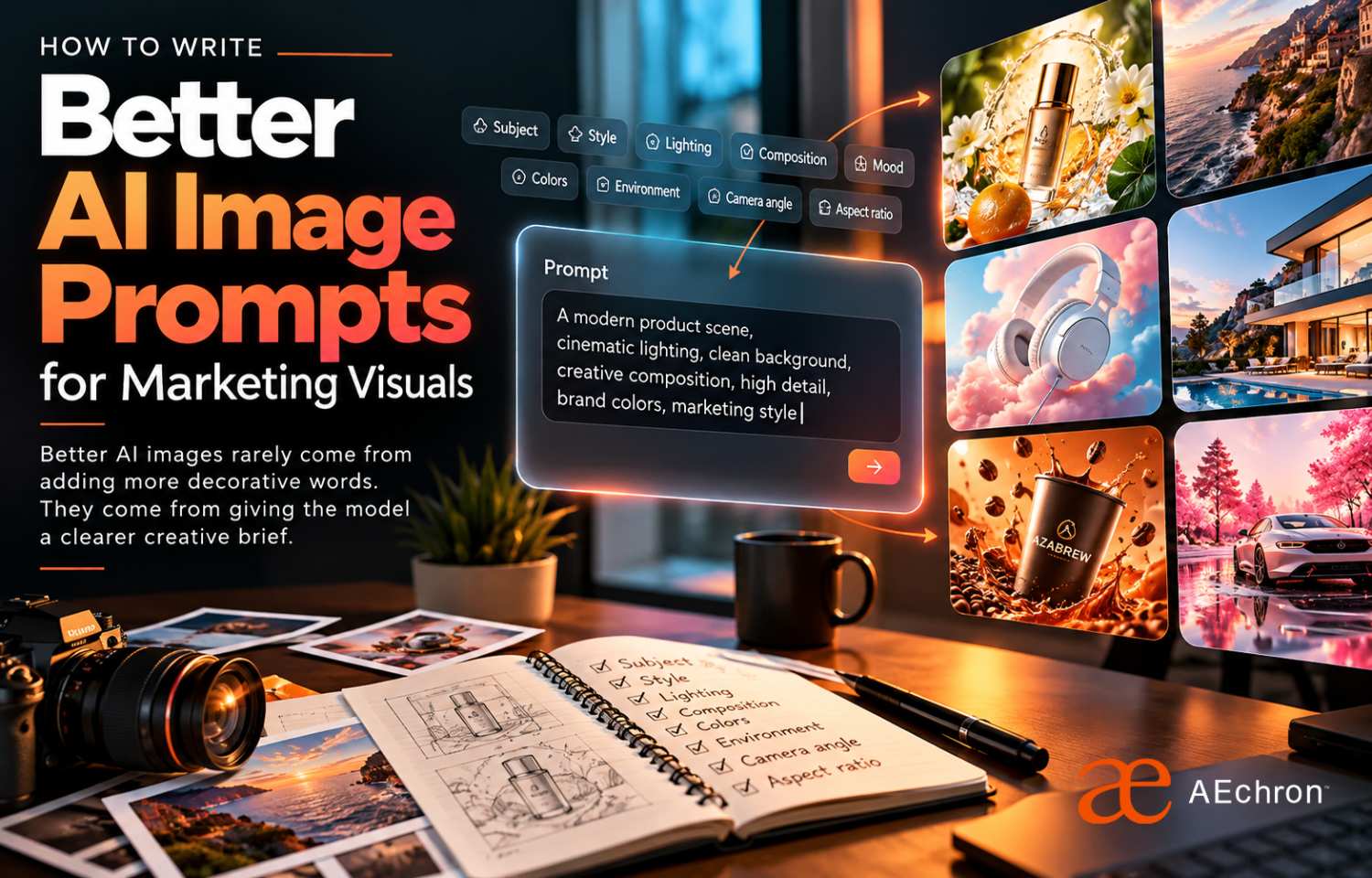
AI image tools can produce an impressive picture in seconds. Producing a useful marketing visual is harder.
A campaign image must do more than look polished. It needs to fit the audience, support the message, leave room for copy, follow the brand direction, work in the required format, and help move someone toward an action.
That is why a strong image prompt should be treated like a compact creative brief rather than a collection of dramatic adjectives.
Begin with the job the image needs to do
Before describing colors, lighting, or camera angles, define the purpose of the visual. Is it meant to stop someone in a social feed, introduce a product, support a landing page, explain a service, promote an event, or create a consistent campaign series?
The same subject should be presented differently depending on the job. A healthcare service may need calm, credible imagery with clear negative space for a headline. A fashion launch may need stronger movement, contrast, and attitude. A B2B technology campaign may need a more structured composition that makes the product or business outcome easy to understand.
AEchron's AI Design approach starts with that business and communication context before moving into production.
A practical AI image prompt framework
Use the following structure as a starting point:
Purpose + subject + action + setting + composition + visual style + lighting + color direction + format + brand constraints.
Not every prompt needs every element. Include the details that affect whether the final image can actually be used.
1. Purpose
Tell the model what kind of marketing asset you are creating. For example: a LinkedIn advertisement, a website hero image, an event promotion, an ecommerce product visual, or a vertical social story.
This context helps organize the rest of the request. It also reminds you to think beyond the subject and consider where the image will appear.
2. Subject and action
Describe the central subject clearly, including what the person, product, or object is doing. “A business owner” leaves too much open to interpretation. “A small-business owner reviewing campaign results on a laptop in a bright studio” provides a more useful scene.
For people, describe relevant posture, expression, wardrobe, and activity without filling the prompt with details that do not support the campaign.
3. Setting and context
The environment tells viewers how to understand the subject. A product photographed in a clean studio communicates something different from the same product used naturally in a home, clinic, retail store, conference booth, or outdoor setting.
Choose context based on the customer and offer, not simply because a setting looks fashionable.
4. Composition and space for copy
Marketing visuals often need room for a headline, logo, price, or call to action. Say where the subject should appear and where open space should remain.
Useful instructions include “subject positioned on the right,” “clean negative space on the left,” “centered product with room above,” “wide establishing shot,” or “close crop for a vertical mobile placement.”
Composition is one of the most important differences between a beautiful standalone image and a usable campaign asset.
5. Visual style, lighting, and color
Choose a visual direction that supports the brand. You might request editorial photography, a clean commercial product image, a documentary-style scene, a bold graphic collage, or a polished 3D render.
Add lighting and color only when they matter: soft daylight for warmth and trust, high-contrast studio lighting for drama, muted neutrals for restraint, or a defined brand palette for consistency.
Adobe's official guidance for effective image prompts similarly recommends clear, descriptive language and refining the request when the first result misses the intended direction.
6. Format and platform
Specify the required orientation or aspect ratio: square, landscape, portrait, 16:9, 4:5, or 9:16. A visual created for a website banner should not be composed like a vertical short-form video cover.
Current image tools may also support editing, transparent backgrounds, reference images, and different aspect ratios. OpenAI's official Images in ChatGPT guide explains these creation and editing options.
7. Brand constraints
State what must remain consistent. That may include brand colors, product appearance, logo placement, wardrobe, visual tone, or specific elements that should not appear.
Reference images can help establish a product, person, composition, or style, but the result still needs human review. Check details, text, hands, product accuracy, logo use, cultural context, and whether the image genuinely fits the brand.
Example: from vague request to useful creative brief
Too vague: “Create a futuristic ad for an AI company.”
More useful: “Create a landscape LinkedIn ad for a B2B AI workflow company. Show a confident operations leader reviewing a clear automation dashboard in a modern office. Position the person on the right with clean negative space on the left for a headline. Use crisp commercial photography, natural window light, restrained charcoal, white, and orange brand colors, and a credible professional mood. Avoid robots, glowing brains, floating code, and unreadable interface text. 1.91:1 format.”
The second prompt does not guarantee a finished advertisement. It does create a more focused starting point for art direction and refinement.
Do not ask the prompt to solve the entire campaign
An image model does not know whether your offer is competitive, whether your headline is clear, or whether the landing page matches the advertisement. It can generate options, but it cannot replace campaign strategy.
Use AI to explore concepts and speed up production. Use human judgment to choose the right direction, correct mistakes, protect the brand, and connect the visual to the broader customer journey.
The AEchron AI Creative Lab combines AI-assisted production with creative direction and review. You can also browse the Ads Portfolio to see how visual direction changes across industries and campaign formats.
A simple checklist before generating
- What is this image supposed to accomplish?
- Who should recognize themselves or their problem in it?
- What subject and action communicate the message?
- Where will the image be published?
- What composition leaves room for campaign copy?
- Which visual style fits the brand?
- What must remain accurate and consistent?
- What should the model avoid?
- Who will review and finish the result?
Better prompting is better creative direction
The goal is not to write the longest prompt. The goal is to make the important decisions visible.
When purpose, audience, composition, style, format, and constraints are clear, AI becomes easier to direct. The output becomes less random, the review process becomes faster, and the resulting visual has a better chance of supporting real marketing work.
Turn a visual idea into campaign-ready creative
AEchron combines prompt development, AI-assisted production, human creative direction, brand review, and campaign context to create visuals built for practical use.
Discuss a creative project →